
The numbers
- Aimed at the talk: 47 people.
- Assistants: 29 people.
- It was held on February 11th, 2019.
Important: We remind you that in the tool Slack have a channel registered to organize and to share the management of the meetup, specifically the channel we use is #wpalicante of Slack WordPress Spain. If you want to lend a hand, contribute ideas and become more active part of this community follow the instructions on the following page-> http://wp-es.es/slack/
WordPress multilingual: The talk
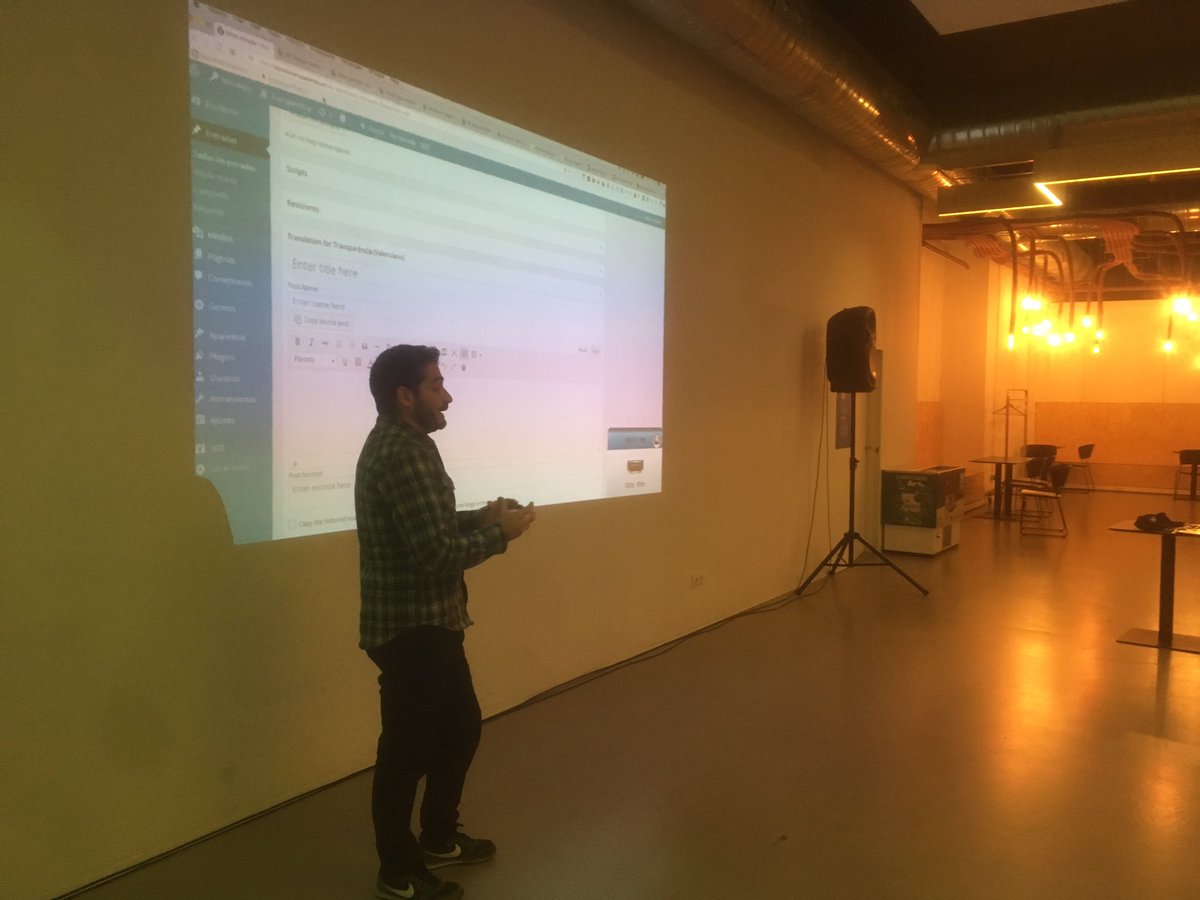
If you are curious to know how to get your WordPress in several languages, multilanguage or multi-language, as you want to call it, you have come to the right place. Our hosts Joaquín López Crespo of my digital notes And Flavia Bernárdez They instruct us on the different possibilities we have of having a multilingual WordPress.
We talk about three of the plugins that we can use to mount a Web page made with WordPress in multilanguage:
- With a plugin that adds translations to your strings. (WPML and Polyglots).
- With a WordPress installation Multisite Where every site we believe in our blog network is a language. (MultilingualPress).
- With a service that implements an automatic translation system and where we manage our text strings outside the Web (Weglot).
As always, after the exhibition we dedicate a few final minutes to a Question time, with the subsequent networking in the kiosk of the Plaza de San Cristóbal to continue sharing our knowledge and doubts accompanied by a beers thanks to our Sponsors: Professional Hosting And Weglot.
We detail below some notes that seem interesting.
Topic Overview
- We will show the use of three plugins to get our WordPress in several languages. They are very different among them and work with WordPress in a very disparate way too.
- You have to keep in mind that the same all this changes in the future because the WordPress itself has as a next step, after Gutenberg, insert the multilanguage into the core itself.
- In the topic of languages for WP must be taken into account that two things must be translated:
- The content of our website – > We translate it manually
- Everything we install on our website: Themes and plugins – > must have translatable files (. Mo,. po). These are the files that we generate by translating the plugins with others like Loco Translate.
WPML – Classic MultiLanguage Plugin
- They are the acronym of multilingual WordPress and exists practically since the version 2.0 of WordPress, although previously it was called sitepress multilingual.
- The tests are done in Demoswp. Before we made them in Pilvia but now they have made payment.
- The plugin WPML is Payment and is the only one that does not have access to any free version. This has support in Castilian.
- After installing it, the first thing to do is configure it. It tells you in the notices that appear after you install. There is even a button to take you directly to the configuration section.
Plugin settings
- Language of existing content
- Translation languages
- Language Selector: So that in the widget area the user can change language.
- Compatibility reports — do not send anything if it is a test site. In case of being real, at your choice.
- Registration: To put the purchase license. If you do not put out a typical notice on the top until you put it.
Once you have gone through these steps, other advanced configuration options will appear in the left-hand menu of WordPress. At the top, you will also see a drop-down menu to go to your site in the different languages initially configured (main and secondary).
The site in each language will have its own control panel. = = > This is not very intuitive, especially when you have woocommerce or plugins that depend on Woocommerce because having it in the panel itself, you have to agree with the programmers of WPML with those of other plugins, and becomes an impossible task for the Canti of existing plugins.
However, WPML programmers are solving this problem, based on Add-ons To improve compatibility.
Create input
- We go to the site in a specific language, click on new entry and begin to write the entry in that language (example: English). We publish it.
- We see the entry and in the URL we see that now appears at the end a question and LANG = en.
- In addition, the plugin has added the tag Hreflang in the post metadata, which are important for Google. The way Google has to detect the different languages that your site is through the Hreflang tag, which has to be active. After this Google only needs to know where is the sitemap of your site for each language.
- During the entry edit, you can also change the language in the menu on the right of the entry you are editing.
- And just below that option appears "translate this document" with the language that we have entered in the initial configuration. If there select the Spanish and press translate is automatically changed to the Spanish configuration of the site (see at the top) and we have the entry again blank, which now we have to write in Castilian and publish. Being the main language of the site, in the URL we have no language specification, but in the source we see with Hreflang the reference to the page in English and its canonical (which is Castilian).
Advanced WPML Configuration
- In the menu on the left we have the possibility of "localization of themes and plugins": It tells you if the themes and plugins you have in your WordPress are translatable or not through this plugin. This is because WPML has a kind of crazy Translate embedded.
- Resolved by Add-ons:
- To translate the title of our site to the new language
- To translate the description, labels the images to the new language to improve the SEO in that new language.
- Woocommerce: If our page is made in Woocommerce and we want to translate it with WPML we need another plugin called Woocommerce Multilingual
- If inside our store, we want to put different prices according to the currency, we need another plugin... It is one of the problems of WPML, which has focused on the content of the web and the other strings to translate the solves through other plugins, so you have to install many to get the translation of the entire site , which will consume a lot of resources.
- Resources are also consumed when creating specific database tables for the translated information, as well as new pages in each language.
WEGLOT – Translation Plugin
- The good thing about this plugin is that when you install it connects you to your website so immediately you can see your website in several languages (then you can configure a lot of things to improve the initial view).
- Does not save the data from the translations in the WordPress database but the view creates it on your server, so do not consume excessive resources from your website and we can have our website translated even if our server is small.
- The downside of the above is that we do not own the translations or the views.
- Right now you only have the option that the translation is done over a folder in the main domain, it does not through variable "? lang = xx" as WPML does, although they are working on it. The URL appears in the corresponding language folder, but does not translate it.
Plugin settings
- Go to the website of Weglot
- Become a free account The free version has up to 2000 words translated into a language. From here it would be payment.
- When registering, we have to indicate which CMS we are working with. In our case, it is WordPress. This gives us an API key, which we have to include in the installation of the Weglot plugin in our WP.
- We indicate our original language and the target language.
- We go to Settings-> permanent links and press Save, to be reset as we are modifying the configuration of them and it makes a bit of trouble if not reset.
- At the moment they do not use the existing translations in the WordPress community of the free plugins, but they will have it as much for future updates.
- In the Weglot dashboard we have the translated character strings that we can modify if we see anything we don't like.
- In addition, they also offer the option to activate a visual editor, which allows you to edit the translations directly from your web. Once activated, we go to our website and select a string. A green icon will come out that when you click it allows us to modify the translation of the marked string.
- As we are editing from the view of your server, it is fully compatible with any plugin.
- In the dashboard of your website we can also include translation rules. This allows, for example, not to translate brand names (if we want our brand "Aparicio furniture" to remain so in any language)... Or if you always translate it for something we like best.
- They also have the typical "Find & Replace" If we find a term that we want to translate by another word, we will not have to change one to one but all at once.
- Finally for your website, they provide a professional translator service.
- In our WP, we have the option to exclude from translation certain URLs that we do not see necessary to translate and exclude also certain blocks. For this we indicate the name of a class (for us as a label because we only define a text in a specific field) that then insert in the blocks that we want to remain untranslated.
- A counter that would have this plugin is that if we have images that need to be different in the Spanish version of the English (because we are defining a software that is also in the corresponding language) with Weglot we could not indicate that changed the Images from one language to another. With WPML it could be done because as we define the page for each language, we will put the image we want in each case.
Multilingual Press – Multi-language Plugin with multisite
- Requires an installation Multisite of WordPress.
- It is a free plugin up to its version 2.0, which is compatible with WP 4.9.9 and that only has a part of payment in case you need to go to your technical service.
- Have created practically from scratch the version 3.0 which is compatible with Gutenberg And it's already paid
- We will have a site for each language, which disappears the compatibility problems discussed in the previous options, as we can put in each of the images we want, the prices we want... In general, we can have the website totally different, with different colors, style of letter...
- That said, we could work without the plugin, writing on the site of each language the page corresponding to it. What makes the plugin is to facilitate the relationship between the pages in the background are the same in different languages. To do this:
- Lets you add the language widget in the widget zone
- It relates the same pages so that when you change the language in the widget zone you can get to the correct translation.
- Identifies the language of the installation and displays by default the page that is stored in that language.
- Each entry shows you blocks in each language so you can write the translations there instead of having to go to another entry.
- Being different sites, the load rate decreases. And the language of the installation can be own of each site, so if the person who manages the site in English is more comfortable with that language, the whole installation can be in English, while the person who manages the Castilian sees everything in Castilian.
- The content is not translated by the plugin, you have to translate it. The plugin helps you with the management of translations in a Multisite.
- If what we are translating is a woocommerce and we want to have controlled with a single stock despite being a multisite, we have the plugin One Stock Recommended by the multilingual Press itself. Another option is to buy the Woocommerce for multisite That allows to control stores in multisites with a unique stock.
Final networking questions and issues
- Multilingual Press with Advanced custom fields – since the custom fields have them on all the sites, the strings would translate them with Loco translated for example, but the content will translate it multilingual press without any problem.
Glossary
- Gutenberg: This is the new editor that WordPress has included in its core. It allows you to edit both posts and pages in blocks, laying out content more intuitively according to its type. There are all kinds of blocks: formatting, design, widgets, etc.
- Add-ons: sort of intermediate plugin where a small compatibility between elements is made, in this case, between the translation of WPML with Woocommerce.
- MultisiteWordPress's ability to host as many sites as you want in a single installation. The installation is not complicated, but you need to be careful with its management, as well as the plugins you use, since not all of them are suitable for a multisite. The advantage is that you only have to manage a single theme and a single list of plugins to update. There is also a single database for all sites, where certain tables are duplicated for each site. You can create users with their corresponding roles for each of the sites.


Leave a reply